Ask a local question first
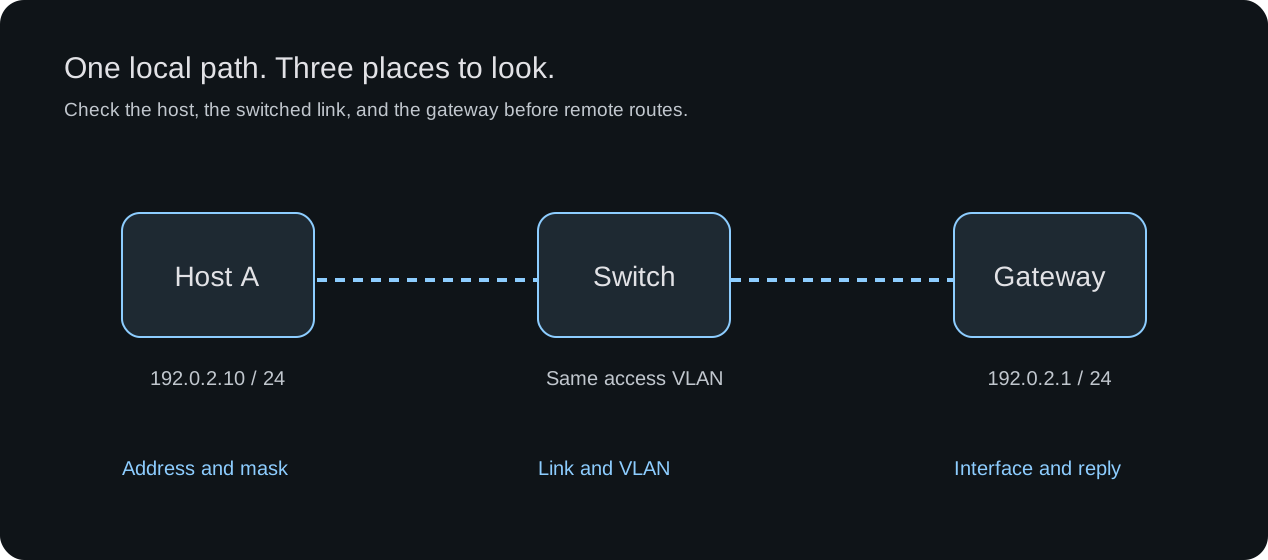
An unsuccessful ping to your gateway does not immediately point to a missing route on a distant router. In this exercise, Host A and the gateway’s interface belong to the same IPv4 subnet on one Ethernet segment. Investigate that local path first.
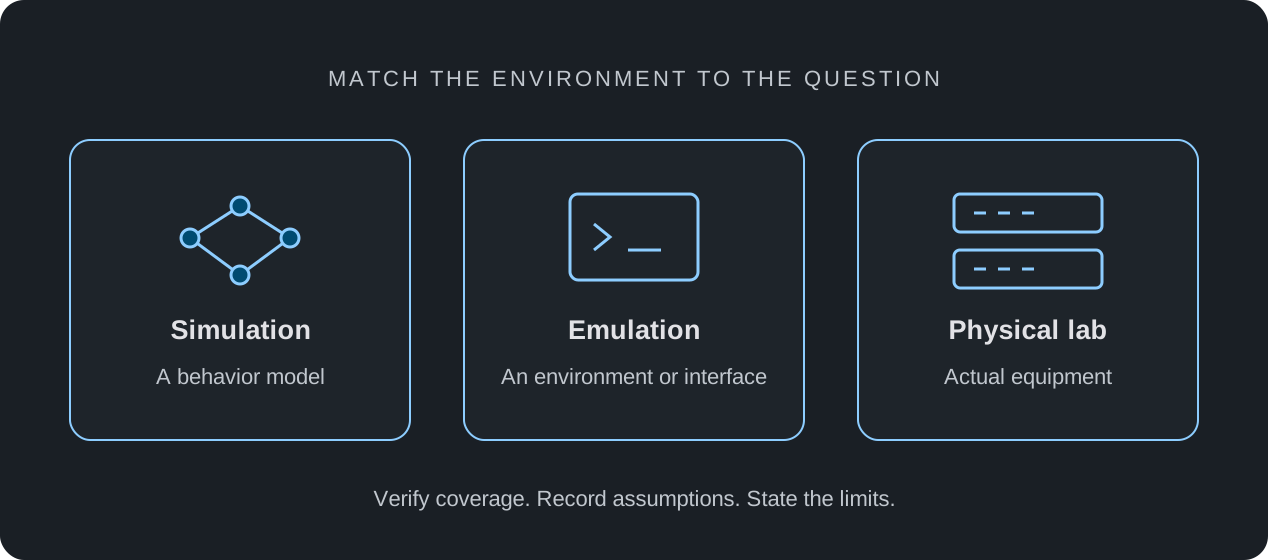
This is a troubleshooting exercise for a lab with suitable addressing, VLAN and inspection controls. It is not a recorded result from every nuLAB device profile. Confirm the chosen profile’s command coverage and keep the original configuration so each change can be restored.
Write down a baseline you can explain
Use Host A at 192.0.2.10/24 and a gateway interface at 192.0.2.1/24, connected through one switch. Keep both access ports in the same VLAN. These documentation addresses describe an isolated exercise; substitute the addressing assigned to your own lab.
Before introducing a fault, confirm the interfaces are enabled, the host has the intended address and mask, and the gateway answers. Record the actual result rather than assuming the initial configuration is correct.
| Item | Intended state | Evidence to record |
|---|---|---|
| Host A | 192.0.2.10/24; gateway 192.0.2.1 | The host’s current addressing and route selection |
| Switched path | Connected, enabled ports in one access VLAN | Link status and membership of both ports |
| Gateway | Local interface 192.0.2.1/24, enabled | Interface state and response to the baseline probe |
Work through five checks in order
Keep the destination and source fixed while you inspect the path. Use the configuration views and commands available in your selected environment; the names differ between device profiles.
- Destination: verify that you are probing 192.0.2.1, not a remembered address from another lab.
- Interfaces: inspect the actual connected ports at both ends. A drawn cable alone does not establish that a port is enabled or operational.
- Addressing: compare the host and gateway addresses and masks. Check the host’s actual route selection, especially if it has multiple interfaces or more-specific routes.
- Layer 2: inspect access VLAN membership and, where available, address-resolution state. An unanswered ARP request is a clue to a local reachability problem, not proof of one particular cause.
- Replies: check whether the destination is configured to answer ICMP and whether a policy filters the request or response. A ping timeout alone does not prove the device is down.
Change one thing, then restore it
After a successful baseline, move only the host’s switch access port into a different isolated VLAN. Keep the gateway port unchanged and provide no alternate connection between those VLANs. In a lab that implements this separation, the local Ethernet path should no longer carry the host’s traffic to that gateway interface.
Repeat the same probe and inspect the port membership. Restore the original VLAN, allow the simulated network to settle, and repeat it again. Record all three observations: baseline, changed state and restored state. If the result differs from your prediction, investigate the topology and model coverage before drawing a conclusion.
Baseline:    destination ___  result ___  VLAN ___
One change:  port ___ moved from VLAN ___ to VLAN ___
After change: result ___  supporting evidence ___
Restored:    result ___  remaining questions ___
Then move on to a remote destination
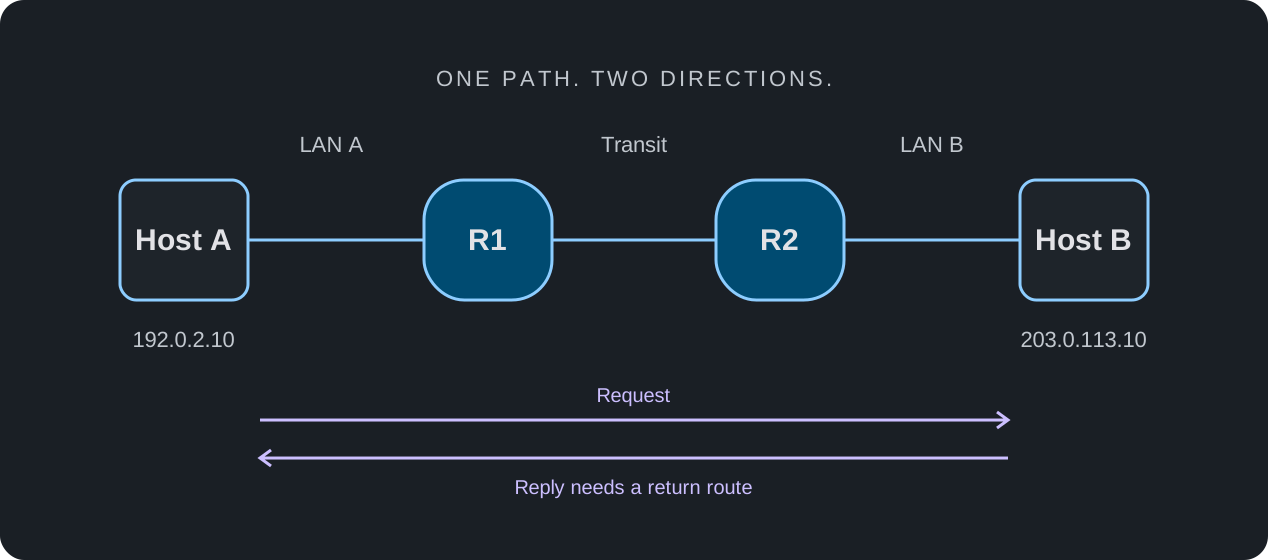
Once local gateway connectivity is understood, choose a host in a different subnet. Now inspect the source’s gateway selection, forwarding routes and the return path. A successful gateway ping does not by itself prove that a remote network is reachable.
Use the same habit for each new question: state a prediction, preserve the baseline, change one variable, and explain the evidence. A simulator helps investigate the behaviors it models; hardware performance and unsupported features need a different test.