Start with what the environment actually runs
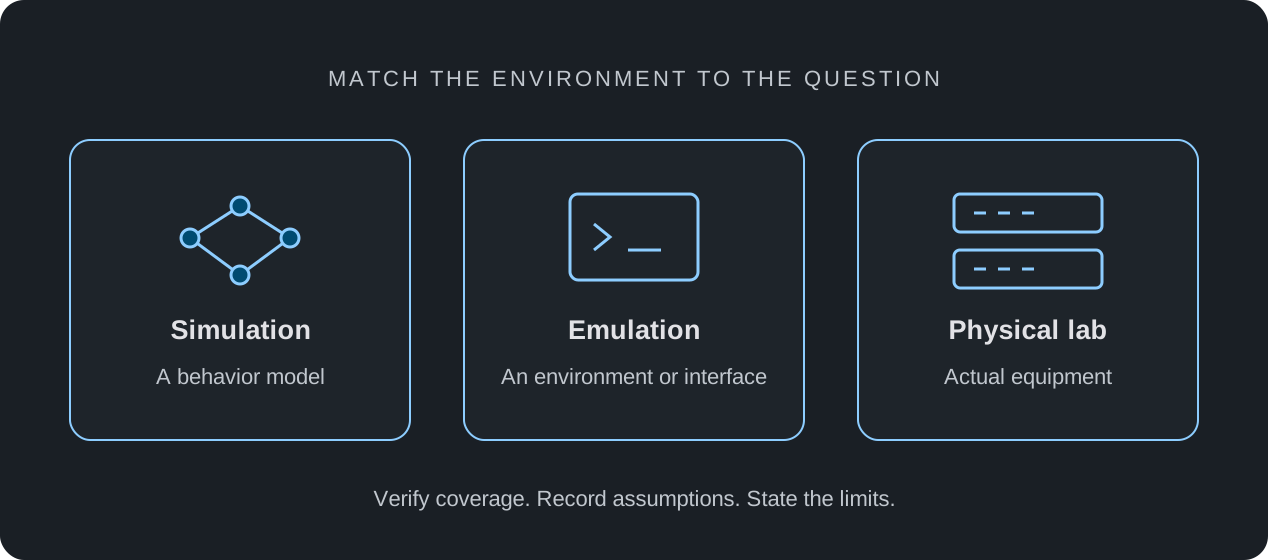
A simulator implements a model of a system. Its value depends on how well that model covers the question you are asking. A network training simulator may model selected interfaces, commands, routing decisions, and packet behavior without running a device's original operating system.
Emulation is used in several ways in networking: an environment may run a software stack, reproduce an interface, or apply modeled conditions to real traffic. Virtualization can provide an execution environment for software, but it is not a guarantee of identical physical-device behavior. Ask what runs, what is modeled, and what has been validated.
Choose the lab by the question
Treat this table as a selection checklist. Specific tools may combine approaches, and coverage must be checked for the exact environment and release. A richer-looking topology is not evidence of greater accuracy.
| Question | Possible approach | Check before relying on it |
|---|---|---|
| Can I explain addressing and route selection? | A simulator with those behaviors | Supported commands, modeled state, and observable results |
| How does this software release behave? | An environment running that release | Legal access, image version, virtual platform, and feature differences |
| Does this physical link or component work? | The relevant physical equipment | Actual optics, cabling, interfaces, and environmental conditions |
| What throughput can this device sustain? | A controlled performance test | Traffic mix, frame sizes, offered load, losses, and test setup |
Try one question in a small topology
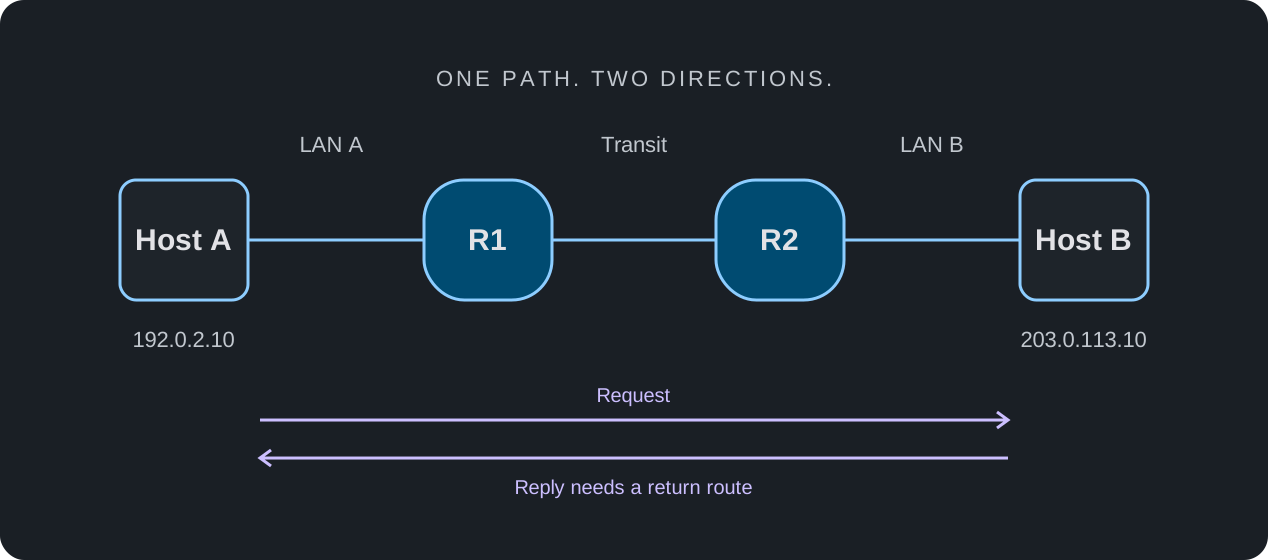
Use Host A → R1 → R2 → Host B to investigate a missing return route. The exercise asks whether removing a route changes a modeled connectivity result as predicted. It does not require a claim that every command or hardware detail is reproduced.
The linked walkthrough supplies addresses, a baseline, a single change, and an evidence template. It is an original exercise plan, not a benchmark or a claim that the experiment has already passed on every supported profile.
- Write the question and the expected outcome before touching the configuration.
- Confirm the required interfaces, routing behavior, and diagnostics are available.
- Capture a baseline, change one route, and collect the actual observations.
- Restore the route, repeat the checks, and document what the environment cannot establish.
Where nuLAB fits
nuLAB is an independent educational network simulator. Its standard offering does not distribute proprietary third-party operating system images. Use it to build topologies and practice the configuration and behavior supported by the selected profiles and your plan.
A profile name is not a promise of complete command coverage or exact appliance reproduction. Check compatibility notes and current availability before choosing an exercise. A simulated outcome can help explain a design; additional software and hardware testing may be needed before making a deployment decision.
Keep an evidence checklist
Choose an environment that exposes enough evidence to answer your question. A successful demonstration is most useful when someone else can inspect the assumptions and repeat the steps.
- Name the environment, release, device profiles, and tested features.
- Keep the topology, starting state, steps, and observed output together.
- Distinguish expected results from collected results.
- Record missing features and unresolved differences instead of treating them as passes.
- List the separate tests still needed for software-specific or physical behavior.