Start with the learning or testing objective
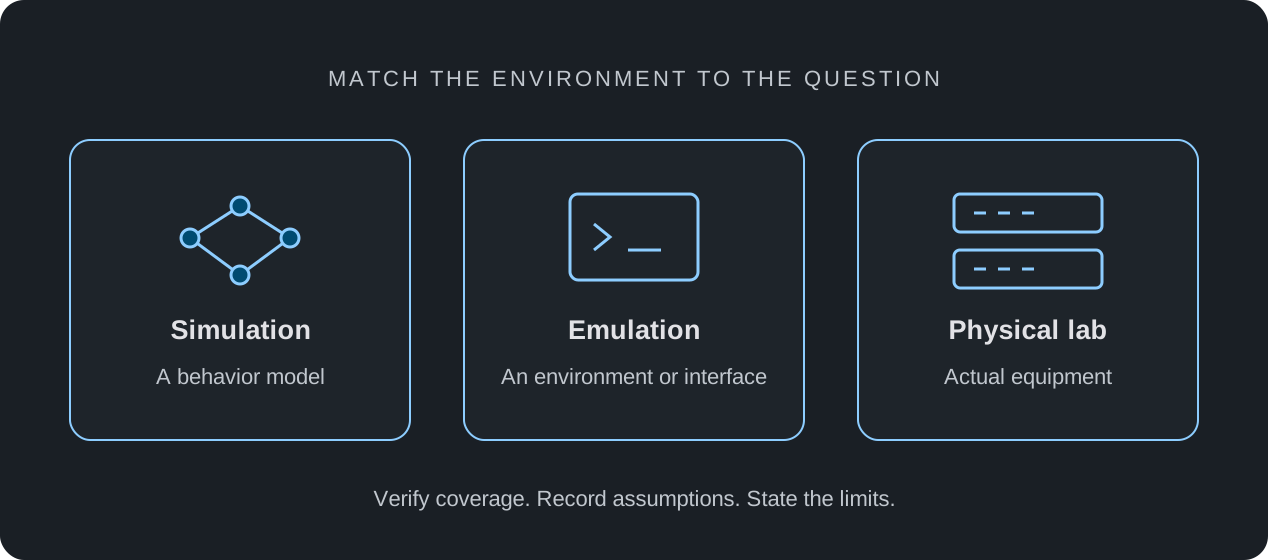
For addressing practice, configuration exercises, and selected routing scenarios, a browser-based simulator may provide the behaviors you need with less local setup. First check the actual profile and command coverage; an online lab is useful only when it supports the task.
When the question concerns a particular software release, physical component, or measured performance limit, select an environment that reproduces that requirement. Browser access describes how you reach a lab; it does not tell you whether the lab uses models, virtual software, or physical equipment.
Compare the requirements that matter
Avoid a universal winner. Use a small sample exercise to evaluate access, reset effort, observability, and coverage before committing to a larger course or validation project.
| Requirement | What to verify |
|---|---|
| Access | Browser or local setup, account requirements, availability, and participant limits |
| Feature coverage | The exact profiles, commands, protocols, and diagnostics required |
| Repeatability | How to preserve a baseline and restore a known state |
| Software fidelity | Whether the required software release runs, or its behavior is modeled |
| Physical behavior | Whether the actual interfaces, optics, cabling, and components are present |
| Cost | Plan, content, licensing, maintenance, and staff time for your actual use |
Run a small pilot before scaling up
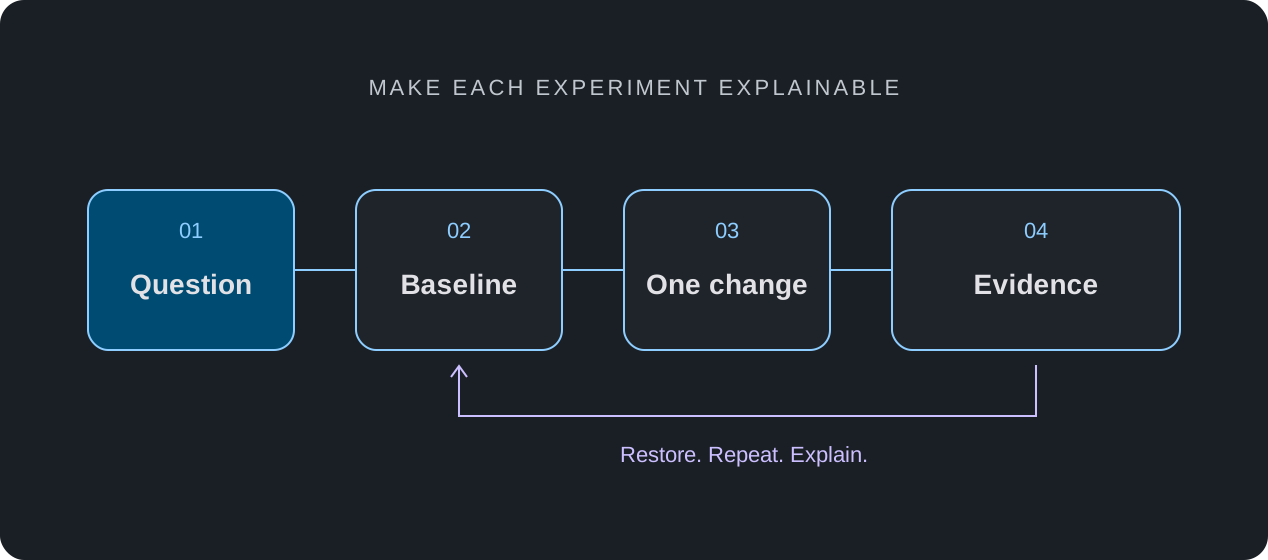
Pick one exercise with a clear pass condition, a deliberate failure, and a restoration step. Record how long setup takes, whether the diagnostics expose the fault, and which steps require a workaround. These observations are more useful than assumptions about a whole class of tools.
- Write down the required behavior and diagnostics.
- Confirm the current plan and feature availability.
- Run the same exercise from a recorded baseline.
- Document gaps and determine whether another environment is needed.
Use each environment for its intended evidence
You might use simulation to learn a configuration sequence, a suitable software environment to examine release-specific behavior, and physical equipment for component or performance testing. The results can complement each other when the scope of each test is clear.
nuLAB is an educational simulator. Its standard offering does not provide proprietary third-party operating system images. Review the compatibility notes and plan limits before deciding which part of your workflow it can support.