 0:49
Organize My Labs with groups
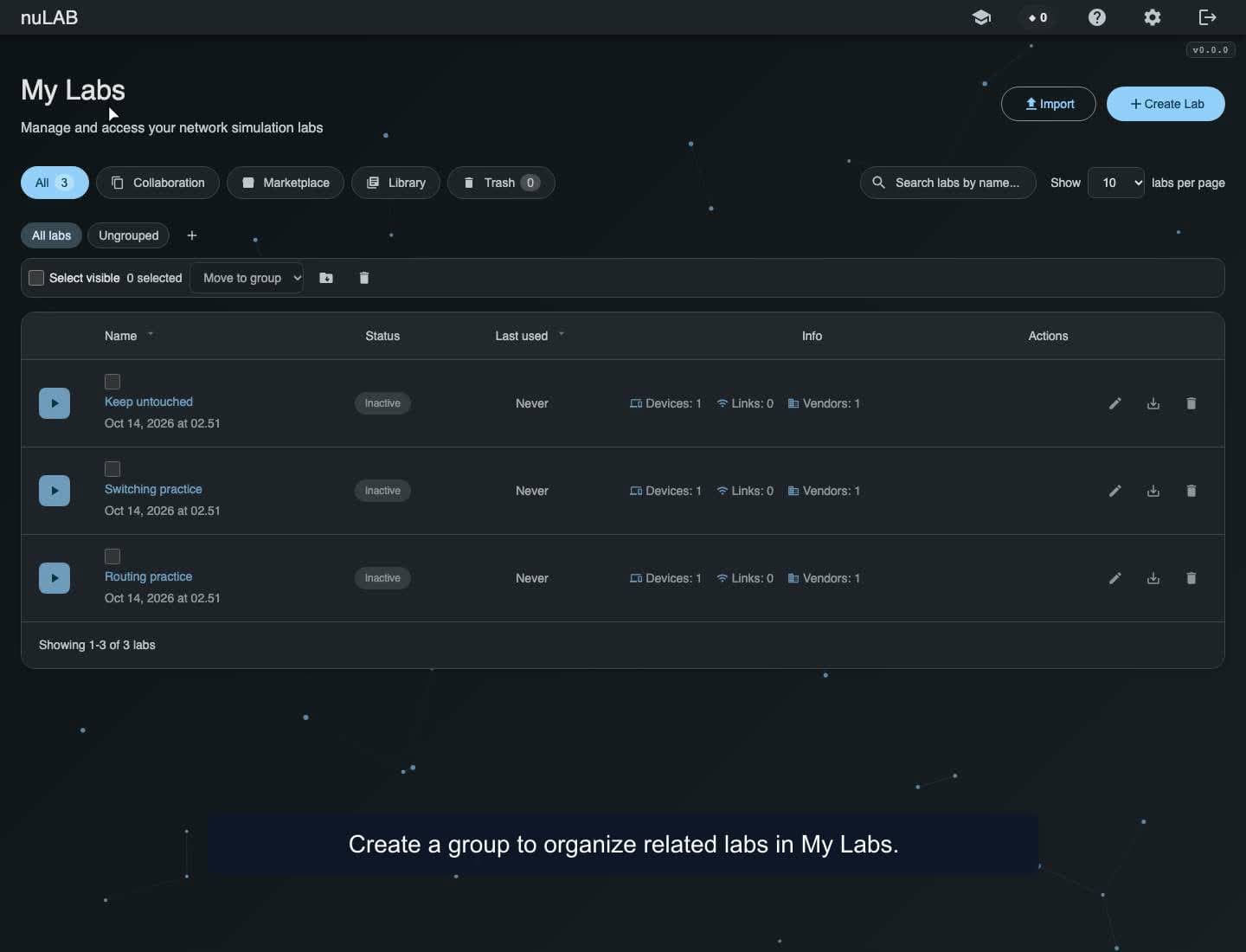
Create a group, move selected labs into it, filter grouped and ungrouped labs, and verify the organization after reloading My Labs.
WATCH. LEARN. TRY IT.
See how to use nuLAB, one workflow at a time. Watch every episode without signing in.
0:49Create a group, move selected labs into it, filter grouped and ungrouped labs, and verify the organization after reloading My Labs.
 0:41
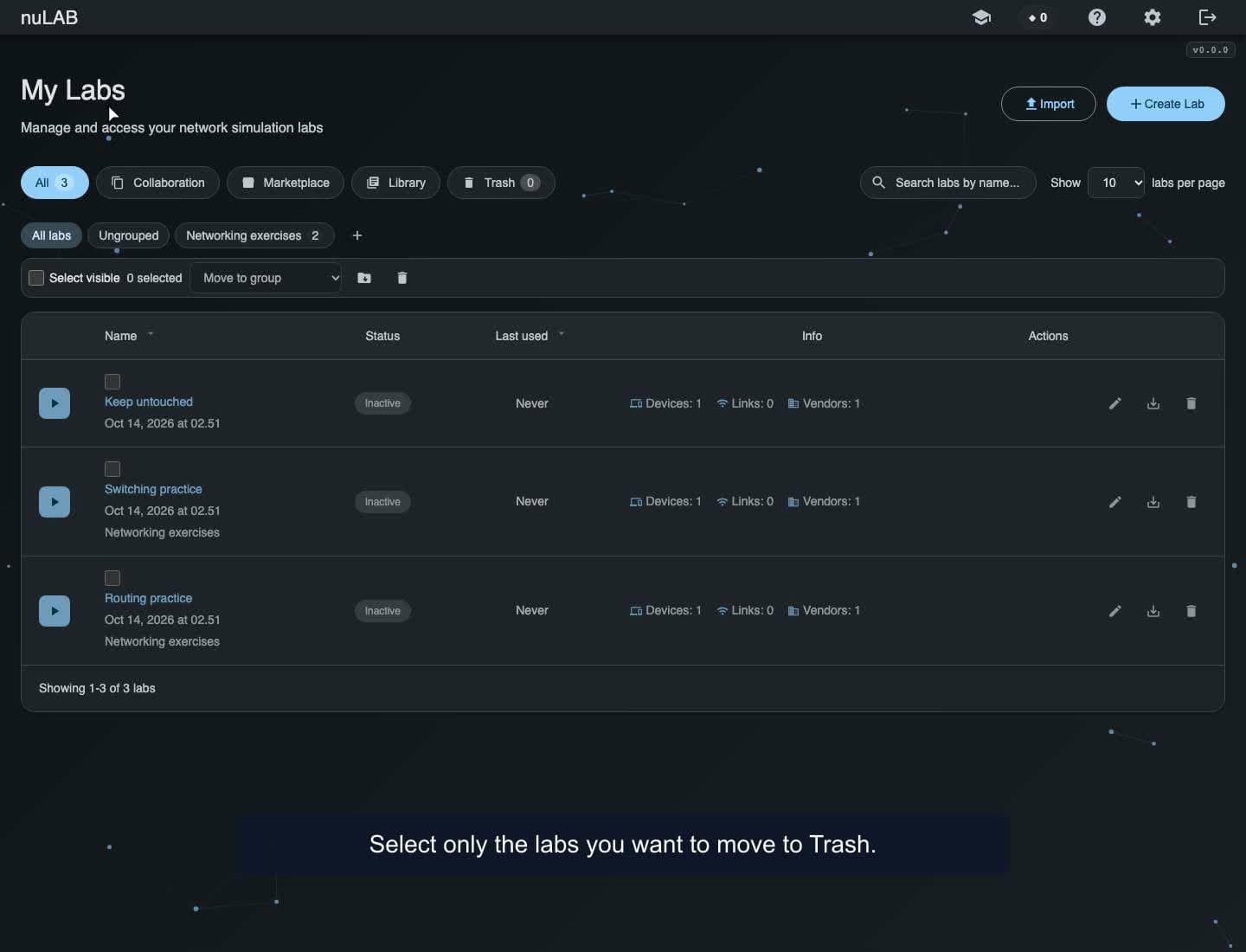
Select two labs, review their names in the confirmation, move them to seven-day Trash, and check that the unselected lab stays active.
 0:55
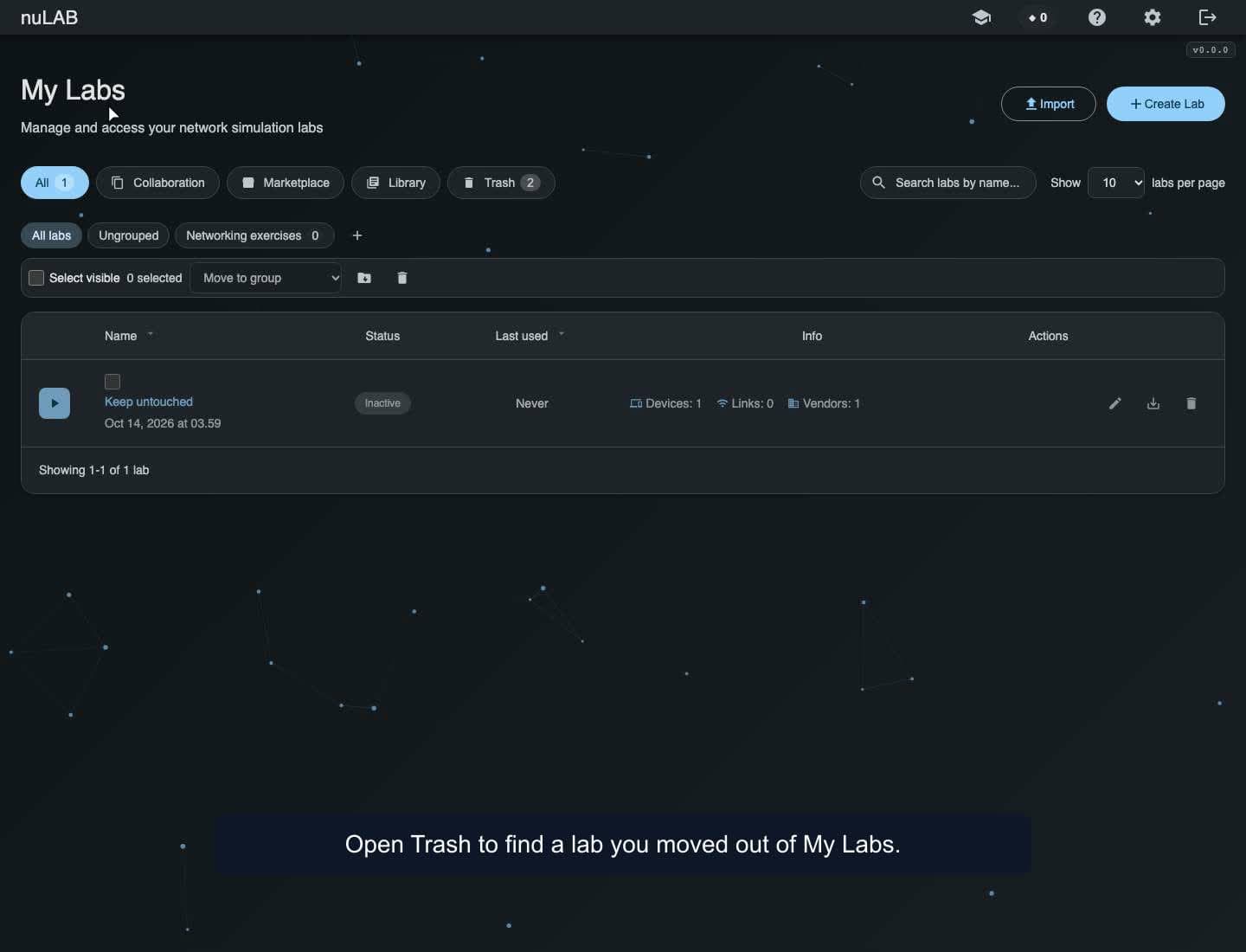
Check the Restore until date, restore a lab from Trash, and open and reload it to verify that its saved router configuration is preserved.
 1:14
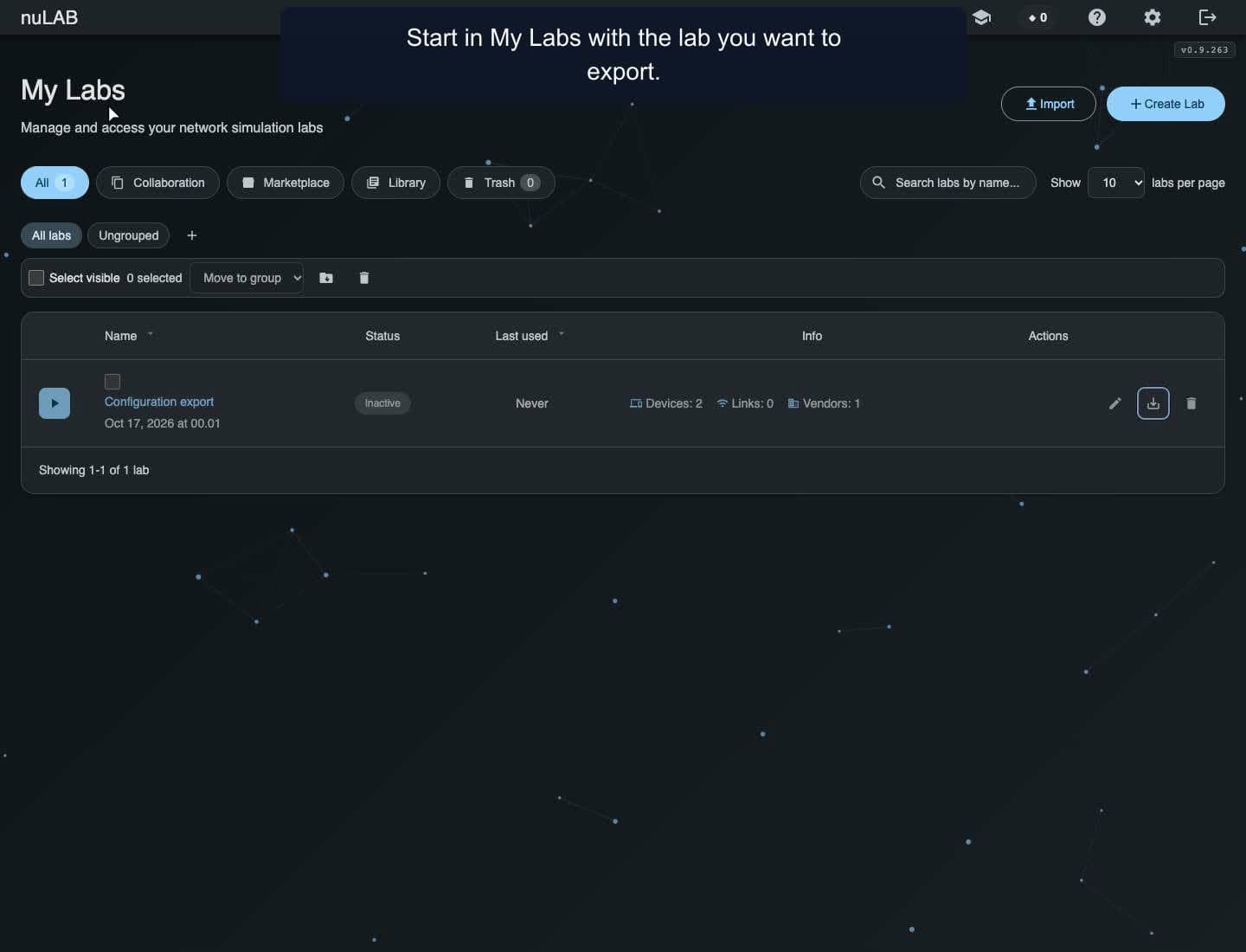
Download a separate configuration file for each device. See how exports differ between a closed lab and the lab you are currently using.
 2:51
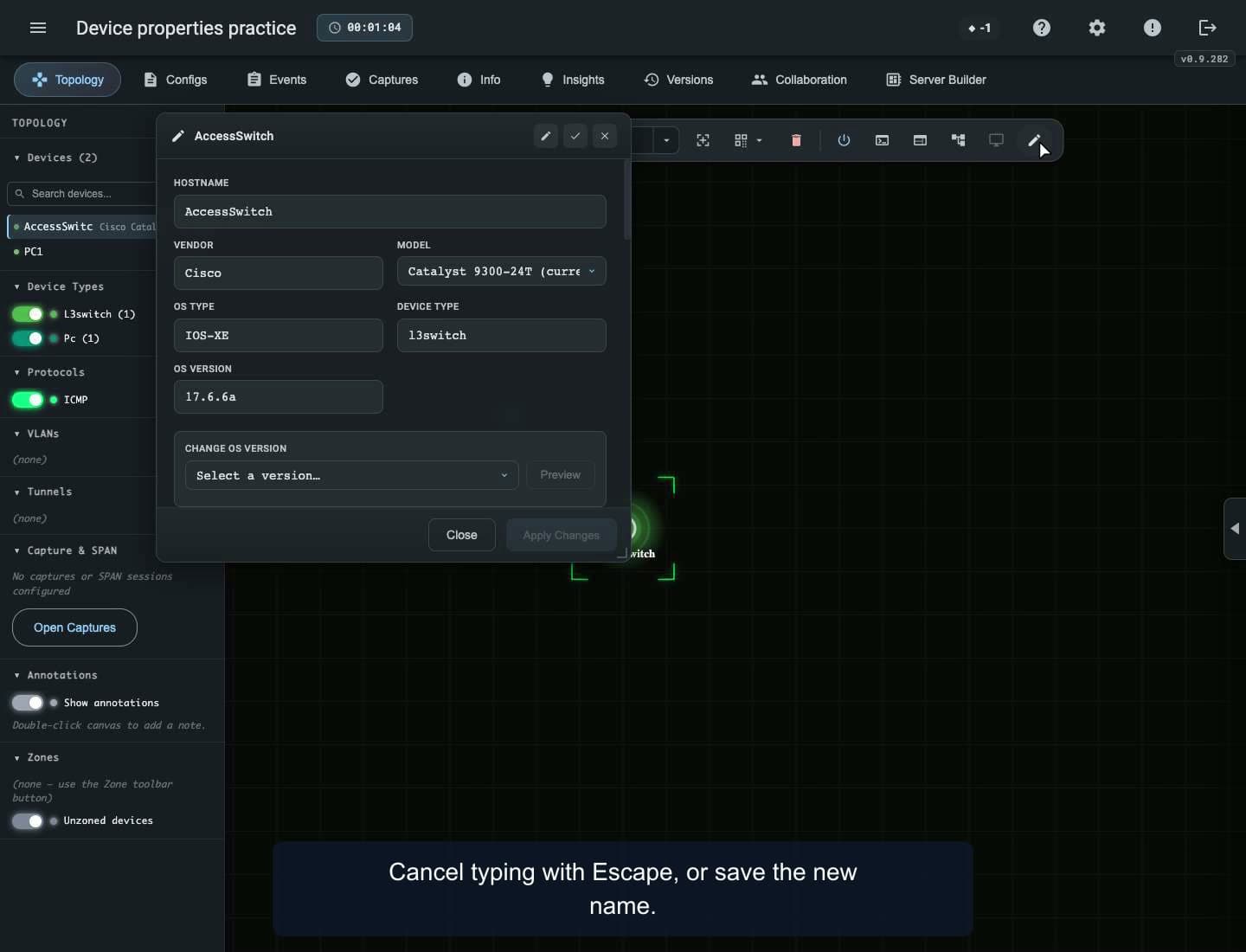
Edit displayed device names, compatible models, physical interfaces and endpoint addresses. Interface changes apply immediately; CLI hostnames are configured separately.
 2:29
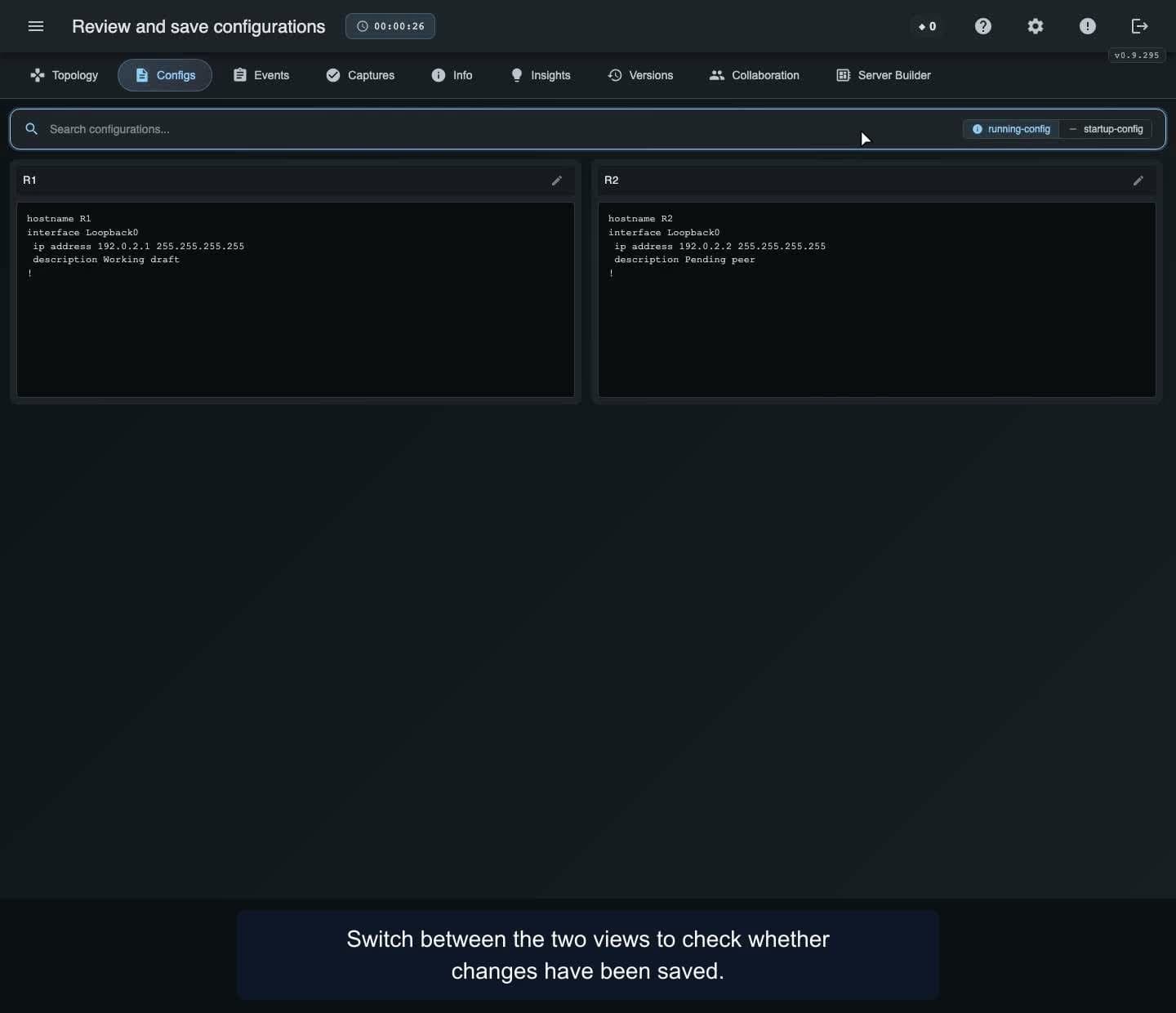
Compare running and saved configurations, search for settings, review edits, and save one device or all devices in your lab.
 8:00
Build a lab, use the Assistant to create an OSPF topology, and explore the tools for checking and organizing your work. Includes a simulated packet capture and an Enterprise Server Builder overview.
 3:12
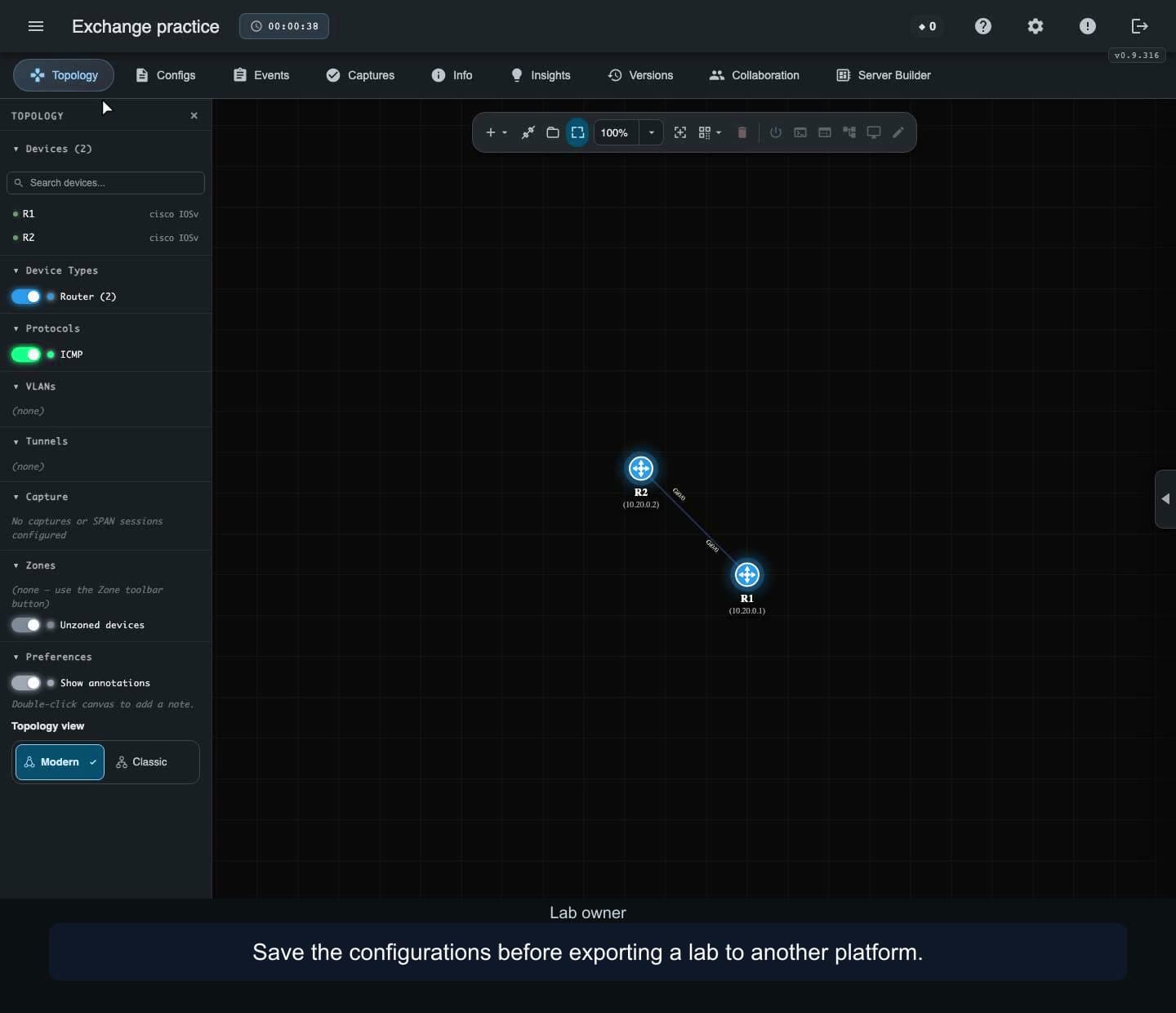
Export a saved lab, import GNS3 and CML copies, and check an EVE-NG topology. Review warnings before using imported devices. File-based EVE-NG import requires configuration after loading.
 1:57
Import a supported Packet Tracer project, inspect its devices and saved configurations, and test router connectivity. Learn the limits of activity imports.
 3:13
Build a lab from a supported PlantUML or Visio network diagram. Check the mapped topology, configure a working link, export Visio and review import warnings.
These tutorials use personal prepared labs, compatible active-member seats and distinct accepted accounts per UTC calendar month. Invitations do not consume monthly seats; removing a member does not refund a monthly seat. Shared Training Platform libraries and billing/grants remain deferred.
Live sharing shows topology and terminal output. Built-in audio and video are unavailable; arrange voice separately. English on-screen explanations. Watching is free; using Training Platform features needs an account and an appropriate plan.
Earlier recordings use the previous School name for the Training Platform.
Build a topology, connect devices, configure addressing and test connectivity. Arrange the canvas, add notes and zones, then reopen your saved lab. Follow each workflow using chapters and written explanations.
Watching is free. Create a nuLAB account to try the demonstrated workflow.
Find free and credit-priced Marketplace lab packs in the portal Knowledgebase. Check prerequisites, device limits and the displayed price, then install an independent lab copy. Prices and availability vary.
Watching is free. Sign in with an account that supports the selected pack to try the workflow. The free-lab demo spends zero credits; the credit-pack demo uses a labeled 20-credit listing and demo credits, with no payment checkout completed.
Capture traffic on a cable, inspect packet fields and bytes, filter the display, follow an observed path and export all or displayed frames as PCAP. Frames are reconstructed simulation observations; temporary capture buffers are not preserved by saving a lab.
Watching is free. Using Traffic capture requires a nuLAB account with Pro or above.
Identify connected neighbors and address mappings, inspect physical ports and test reachability. Follow prepared lab examples using chapters and narration transcripts. A cached address mapping alone does not prove a working link; supported syntax and behavior vary by device.
Watching is free. Create a nuLAB account with a suitable device allowance to try the demonstrated lab workflows.
Configure sensors, follow MQTT topics and inspect delivery in a prepared lab. This example uses the in-lab QoS 0 client, Sparkplug-JSON messages and a preconfigured secured broker.
Watching is free. Using IoT Operations requires a nuLAB Enterprise account and supported devices.
Read your dashboard summary, create and reopen a lab, then find Knowledgebase, Marketplace and Plan & billing. Device capacity and AI credits are separate; Time spent and Last used describe different parts of your lab activity.
Watching is free. Sign in to your nuLAB account to try the workflow. This recording uses a demonstration environment with purchasing disabled; account values and available options may differ. Signup, purchases and credit top-up are covered separately.
Use nuLAB Gateway with an external SSH terminal, save a device change and confirm it in your browser. This macOS example starts with Gateway installed and paired; installation and account approval are prerequisites.
Watching is free. Use the Gateway build for your computer and a supported lab device. Gateway account approval and the device’s own login are separate. Gateway can keep accessing the active lab after the browser closes.